
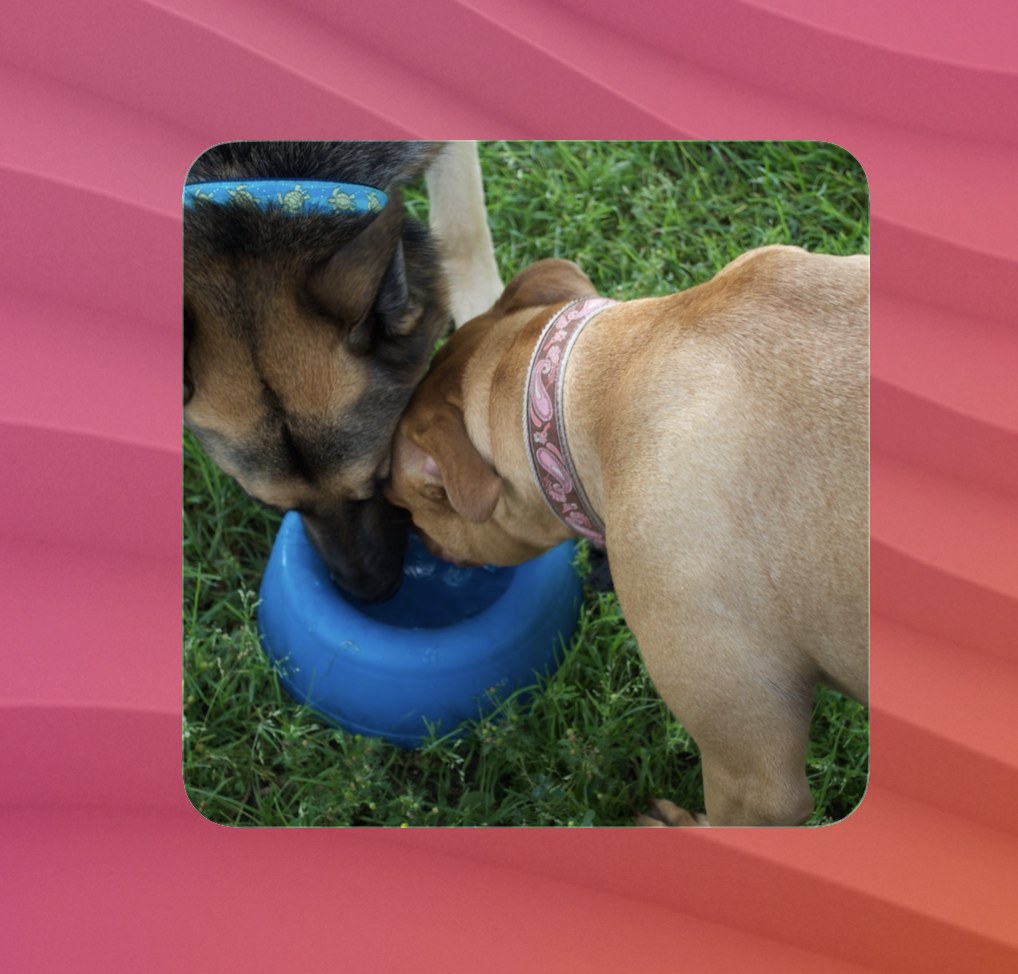
Show a random photo from your Flickr photostream in a Terminal Widget (--image + --padding fill).
Uses the public Flickr REST API with your API key. Private photos are not included unless you add OAuth (out of scope for this recipe).
Randomness follows the approach in this Stack Overflow answer: learn how many pages exist, pick a random page (capped at 4000), fetch one photo from that page with size URL extras.
Requirements
- Terminal Widget (
terminal-widgetCLI) - A Flickr API key
- Your Flickr NSID (
FLICKR_USER_ID) or username (FLICKR_USERNAME) curlandjq(brew install jq)- Photostream must have at least one public photo
1. Create a Flickr API key
- Sign in at Flickr and open App Garden / API keys.
- Apply for a non-commercial key (or use an existing app).
- Copy the Key (the Secret is not required for public read calls).
- Store the key only in your local config file.
2. Find your user id
Either:
- Use your Flickr NSID directly (looks like
12345678@N00), or - Set
FLICKR_USERNAMEto either:- your Flickr username (profile display / API name), or
- your photostream URL alias (the path in
flickr.com/photos/alias)
The script tries flickr.people.findByUsername first, then falls back to flickr.urls.lookupUser for path aliases. Those two strings are often different (e.g. alias circlesixdesign vs username ttscoff).
NSID also appears in your photostream HTML and in many third-party Flickr tools.
3. Create flickr.env
mkdir -p ~/.config/terminal-widget
chmod 700 ~/.config/terminal-widget
Create ~/.config/terminal-widget/flickr.env:
# Required
export FLICKR_API_KEY='your_api_key_here'

# One of these:
export FLICKR_USER_ID='12345678@N00'
# export FLICKR_USERNAME='yourflickrname'

# Optional defaults
# export FLICKR_TARGET='flickr'
# export FLICKR_TAGS='landscape,film'   # comma-separated; omit for any public photo
# export FLICKR_MAX_PAGE='4000'         # SO tip: keep random page in a unique range
# export FLICKR_TAP_SHORTCUT='Flickr Refresh'
# export TERMINAL_WIDGET='/opt/homebrew/bin/terminal-widget'
chmod 600 ~/.config/terminal-widget/flickr.env
Alternate path: FLICKR_ENV=/path/to/flickr.env.
4. Add a widget target
| Target ID | Purpose |
|---|
| flickr | Default target |
Use a square (or any) widget size; --padding fill crops the photo to fill the widget.
5. Install and run
Save the script as ~/bin/flickr-random.sh, then:
chmod +x ~/bin/flickr-random.sh
~/bin/flickr-random.sh
# optional tags:
~/bin/flickr-random.sh flickr "landscape,travel"
6. Schedule updates
Enable the launchd section (suggested: 1 hour or whatever you like — Flickr public reads are free within rate limits).
Customize LaunchAgent args
<key>ProgramArguments</key>
<array>
  <string>/bin/bash</string>
  <string>/Users/YOU/bin/flickr-random.sh</string>
  <string>flickr</string>
  <string>-</string>
</array>
| Argument | Meaning |
|---|---|
| 1 — target | Widget target name |
| 2 — tags | Comma-separated tags, or - for any public photo |
Tap to refresh
Use a Shortcut + FLICKR_TAP_SHORTCUT (App Sandbox blocks run-command from running ~/Scripts / Homebrew).
Environment variables reference
| Variable | Required | Default | Description |
|---|---|---|---|
FLICKR_API_KEY |
Yes | — | Flickr API key |
FLICKR_USER_ID |
One of id/username | — | Flickr NSID |
FLICKR_USERNAME |
One of id/username | — | Username or URL alias (findByUsername, then urls.lookupUser) |
FLICKR_TARGET |
No | flickr |
Default widget target |
FLICKR_TAGS |
No | — | Default tag filter |
FLICKR_MAX_PAGE |
No | 4000 |
Cap for random page selection |
FLICKR_TAP_SHORTCUT |
No | — | Shortcut name for tap refresh |
FLICKR_ENV |
No | ~/.config/terminal-widget/flickr.env |
Config path |
TERMINAL_WIDGET |
No | terminal-widget |
CLI path |
Troubleshooting
| Symptom | Likely cause |
|---|---|
| “no photos found” | No public photos, wrong user id, or tags matched nothing |
| Invalid API key | Typo / revoked key |
| Same image often | Huge photostream + page beyond useful range — lower FLICKR_MAX_PAGE or add tags |
| Private photos missing | Expected — this recipe only uses public APIs |