
Parse rsync --info=progress2 output and continuously update a Terminal Widget progress bar while syncing.
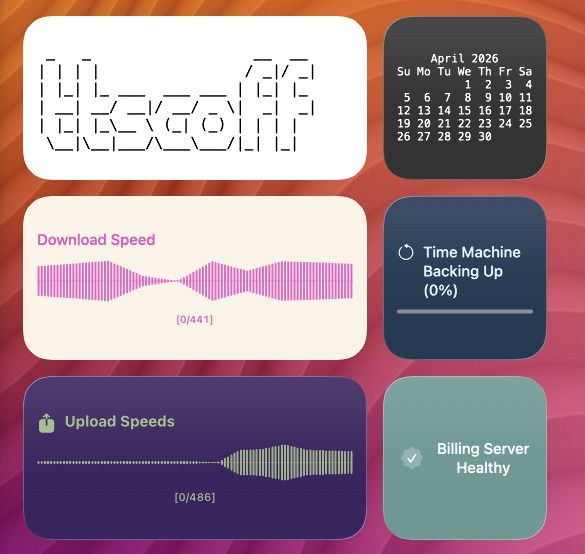
Script
Capture Real Command Progress (rsync)
Script (rsync-progress.sh)
#!/usr/bin/env bash
set -euo pipefail

SRC="${1:-$HOME/Downloads/}"
DST="${2:-$HOME/Backup/Downloads/}"

terminal-widget --target syncjob --icon arrow.triangle.2.circlepath --text "Sync starting" --progress 0

rsync -ah --info=progress2 "$SRC" "$DST" 2>&1 | while IFS= read -r line; do
  if [[ "$line" =~ ([0-9]{1,3})% ]]; then
    pct="${BASH_REMATCH[1]}"
    terminal-widget \
      --target syncjob \
      --icon arrow.triangle.2.circlepath \
      --text "Syncing ${pct}%" \
      --progress "$pct" \
      --foreground "#eaf6ff" \
      --background "#1f2a44"
  fi
done

terminal-widget \
  --target syncjob \
  --icon checkmark.circle.fill \
  --text "Sync complete" \
  --progress 100 \
  --foreground "#d9ffe7" \
  --background "#1b3a2f"